JOpt Sandboxes & Integration Paths
Whitepaper + Tutorial Guide (SDK vs REST)
Last updated: 2026-02-06
JOpt offers two integration paths:
- Java SDK (in-process): Run optimization directly from Java (optionally inside a CodeServer sandbox).
- REST / OpenAPI (service): Call TourOptimizer as a service from any client (Java/Python/C# examples). A TourOptimizer REST endpoint (self-hosted locally via Docker or a DNA-provided endpoint) is mandatory.
This document explains all sandboxes, the required backend service, and the recommended learning path.
You can get our free evaluation license here.
Overview: What to start with
| Goal | Recommended path |
|---|---|
| Learn JOpt modeling and feature depth | Java SDK examples (Sandbox A) |
| Integrate into any stack / language | REST endpoint + REST client sandbox (B/C/D) |
| Evaluate with minimal setup | Use CodeServer sandbox images (optional) |
| Enterprise rollout | Self-host REST endpoint, pin versions, run regression snapshots |
| Live Demo | Modify or run our live demo angular app |
Repositories (official)
SDK / Examples
- Java TourOptimizer Examples (SDK): https://github.com/DNA-Evolutions/Java-TourOptimizer-Examples
REST Clients (OpenAPI-generated client models)
- Java REST Client Examples: https://github.com/DNA-Evolutions/Java-REST-Client-Examples
- Python REST Client Examples: https://github.com/DNA-Evolutions/Python-REST-Client-Examples
- C# REST Client Examples: https://github.com/DNA-Evolutions/C-Sharp-REST-Client-Examples
Demo-Angular-App - REST Clients (OpenAPI-generated client models)
- Angular Demo App: https://github.com/DNA-Evolutions/Angular-Demo-Application-Source
REST Endpoint (Backend Service)
- Docker REST TourOptimizer (Spring/OpenAPI service): https://github.com/DNA-Evolutions/Docker-REST-TourOptimizer
Where to learn how client models are built
Each REST client repository includes documentation on how the OpenAPI models and client code are generated (and how to update them when the API evolves).
Look for sections like “Generate client from OpenAPI”, “Regenerate models”, or “Codegen” inside the individual repos:
- Java REST Client Examples Repo
- Python REST Client Examples Repo
- C# REST Client Examples Repo
- Angular Demo App Repo
Key concept: Sandbox vs Backend Service
What a “sandbox” is
A CodeServer sandbox is an optional, browser-based IDE that makes it easy to start in a language of choice.
It is a convenience layer — you can always clone the repository and run locally.
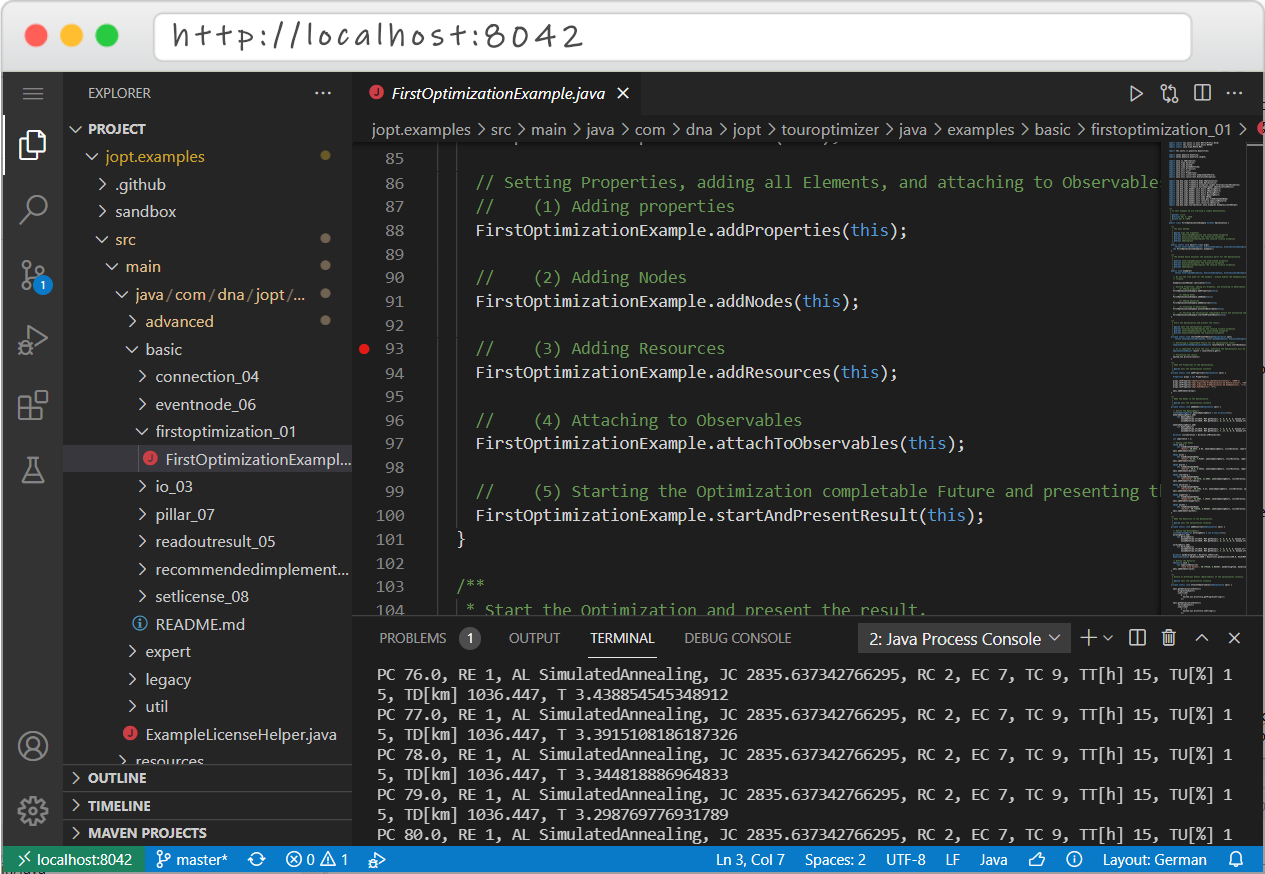 CodeServer preview
What the REST endpoint is
The TourOptimizer REST endpoint is the actual optimization backend for REST client sandboxes.
It is a Spring/OpenAPI service you run:
- self-hosted (Docker/container platform), or
- as a DNA-provided endpoint.
Important: the REST endpoint is not a sandbox. It is a required backend component for REST clients.
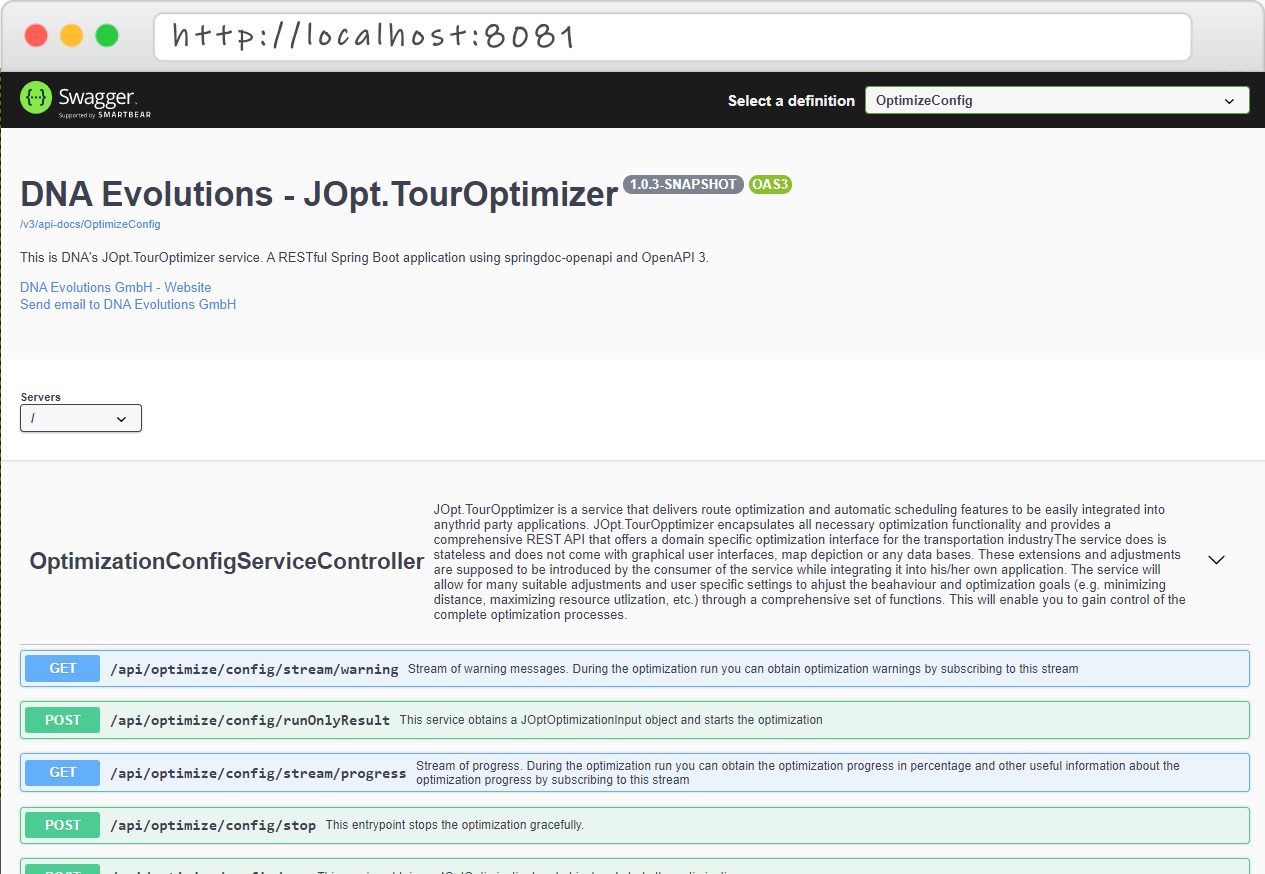 Swagger Endpoint UI
Tutorial videos
Java SDK sandbox tutorial
TourOptimizer as a service (REST) — Part 1
TourOptimizer as a service (REST) — Part 2
Angular Demo App Tutorial
Sandbox A — Java SDK Examples (Primary)
Repository: https://github.com/DNA-Evolutions/Java-TourOptimizer-Examples
What you get
- The broadest feature coverage (basic → advanced → expert)
- Best learning experience for modeling constraints and real-world behaviors
- Runs in-process using the Java library dependency (no REST endpoint required)
Option A1 — Clone and run locally
git clone https://github.com/DNA-Evolutions/Java-TourOptimizer-Examples
cd Java-TourOptimizer-Examples
# Open in your IDE and run any *Example.java containing a main() method
Option A2 — CodeServer sandbox (optional)
Resource recommendation: allocate at least 2–4 GB RAM and 2 CPU cores to the sandbox container for a smooth experience.
This sandbox runs the same repository in a browser IDE.
Docker image: dnaevolutions/jopt_example_server:latest
Run (example):
docker run -it -d --name jopt-java-sandbox -p 127.0.0.1:8042:8080 -v "$PWD/:/home/coder/project" dnaevolutions/jopt_example_server:latest
Open: http://localhost:8042
CodeServer password: jopt
I need the exact Docker image tags and passwords from your sandbox READMEs to fill these placeholders precisely.
Required Backend — TourOptimizer REST Endpoint (Spring/OpenAPI Service)
Repository: https://github.com/DNA-Evolutions/Docker-REST-TourOptimizer
What it is
A production-style Spring application exposing TourOptimizer via REST + OpenAPI (Swagger UI).
Why it matters
All REST client sandboxes (Java/Python/C#) are clients only.
They require an endpoint:
- Self-hosted: run locally (Docker), in CI, or on Kubernetes
- DNA endpoint: managed access provided by DNA Evolutions
Self-hosted run
docker run -d --rm --name jopt-touroptimizer -p 8081:8081 -e SPRING_PROFILES_ACTIVE=cors dnaevolutions/jopt_touroptimizer:latest
Swagger UI (typical):
http://localhost:8081/swagger-ui/index.html
Sandbox B — Java REST Client Examples (OpenAPI client models)
Repository: https://github.com/DNA-Evolutions/Java-REST-Client-Examples
Purpose
- Demonstrates integration via OpenAPI-generated models in Java
- Shows request creation, run submission, and result parsing
- Ideal for JVM enterprise stacks
Mandatory: configure an endpoint
- Local self-hosted:
http://localhost:8081(example) - Or DNA-provided endpoint
Important (Docker networking): If you run a REST client inside a CodeServer container and your TourOptimizer REST service runs on your host machine, the client must use
http://host.docker.internal:8081(nothttp://localhost:8081) becauselocalhostinside the container refers to the container itself.
CodeServer sandbox (optional)
Docker image: dnaevolutions/jopt_rest_example_server:latest
Run (example):
docker run -it -d --name jopt-java-rest-sandbox -p 127.0.0.1:8043:8080 -v "$PWD/:/home/coder/project" dnaevolutions/jopt_rest_example_server:latest
Open: http://localhost:8043
CodeServer password: joptrest
Sandbox C — Python REST Client Examples
Repository: https://github.com/DNA-Evolutions/Python-REST-Client-Examples
Purpose
- Integrate TourOptimizer from Python (data pipelines, automation, analytics)
- Submit snapshots, parse results, generate reports
Mandatory: configure an endpoint
- Local self-hosted REST endpoint (Docker), or DNA endpoint
CodeServer sandbox (optional)
Docker image: dnaevolutions/jopt_py_example_server:latest
Run (example):
docker run -it -d --name jopt-python-rest-sandbox -p 127.0.0.1:8033:8080 -v "$PWD/:/home/coder/project" dnaevolutions/jopt_py_example_server:latest
Open: http://localhost:8033
CodeServer password: jopt
Sandbox D — C# / .NET REST Client Examples
Repository: https://github.com/DNA-Evolutions/C-Sharp-REST-Client-Examples
Purpose
- .NET enterprise integration via OpenAPI client usage
- Typical integration into ERP/TMS/WFM architectures
Mandatory: configure an endpoint
- Local self-hosted REST endpoint (Docker), or DNA endpoint
CodeServer sandbox (optional)
Docker image: dnaevolutions/jopt_net_example_server:latest
Run (example):
docker run -it -d --name jopt-csharp-rest-sandbox -p 127.0.0.1:8023:8080 -v "$PWD/:/home/coder/project" dnaevolutions/jopt_net_example_server:latest
Open: http://localhost:8023
CodeServer password: joptrest
Special client — TypeScript / Angular (StackBlitz + hosted demo)
DNA Evolutions also provides a TypeScript/Angular demo client for UI-first evaluations and rapid PoCs. You can open it directly in StackBlitz (no local setup), edit it live, and run it in the browser. A continuously running reference deployment is available at https://demo.dna-evolutions.com.
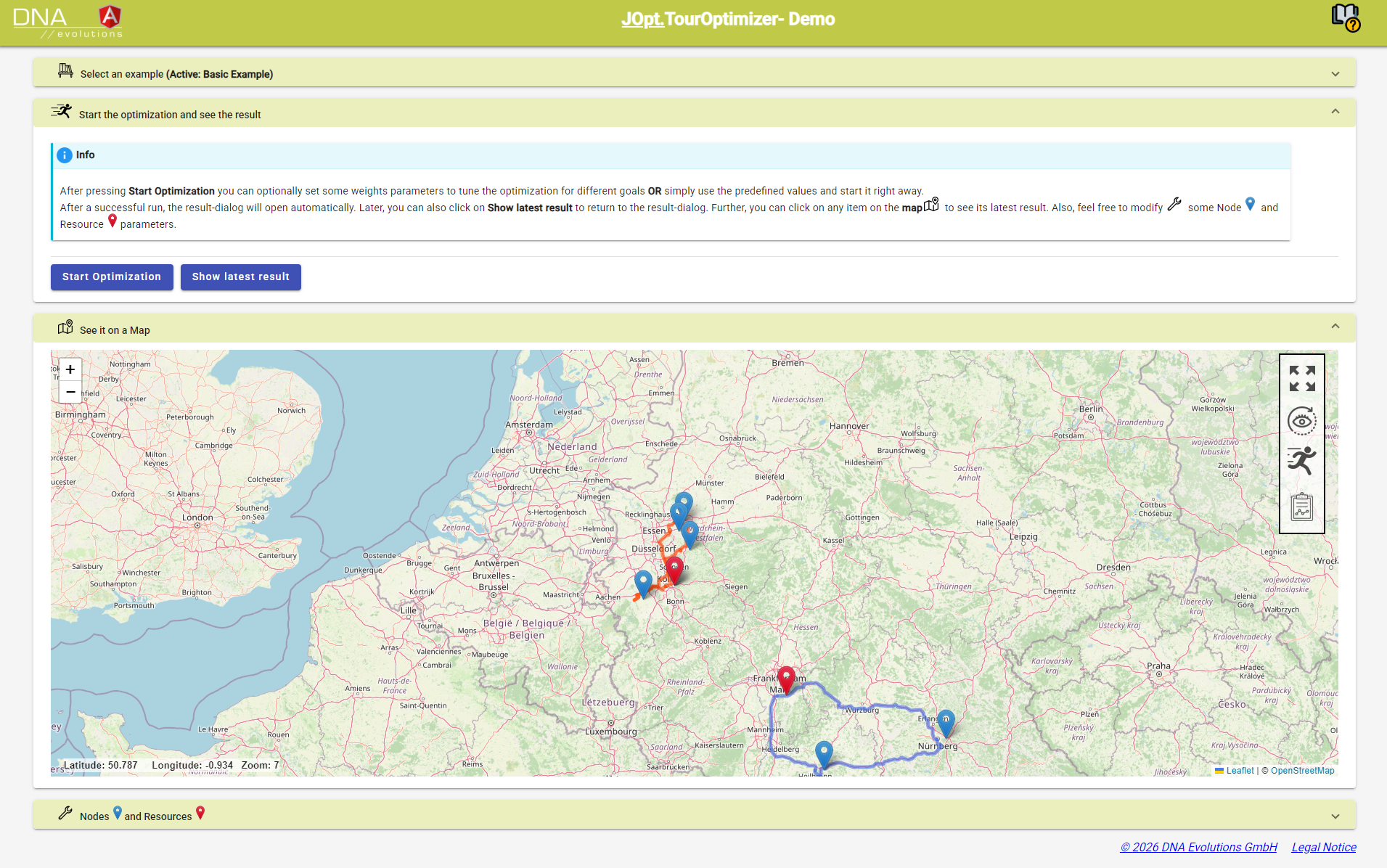 DemoApp preview
- Source on GitHub: Angular Demo App Repo
- Open in StackBlitz: https://stackblitz.com/github/DNA-Evolutions/Angular-Demo-Application-Source
- Hosted reference: https://demo.dna-evolutions.com
- Backend requirement: This client still needs a TourOptimizer REST endpoint (self-hosted or DNA-hosted). (Self-hosting reference)
- Endpoint config: set the TourOptimizer base URL in
src/environments/environment.tsorsrc/environments/environment.prod.ts(host/portkeys). - Tutorial: Angular Demo App Tutorial (Youtube)
Recommended onboarding sequence (practical)
- Run the Java SDK examples first
Learn modeling patterns and feature depth quickly (best ROI). - Start a REST endpoint (backend service)
Use the Docker REST TourOptimizer service locally to establish a stable integration target. - Pick your client sandbox (Java, Python, C#)
Configure base URL → run scenarios → parse results. - Move to reproducible snapshots
Store inputs as JSON snapshots; rerun them across environments; compare results for acceptance.